Steady 3.1: Watch workouts
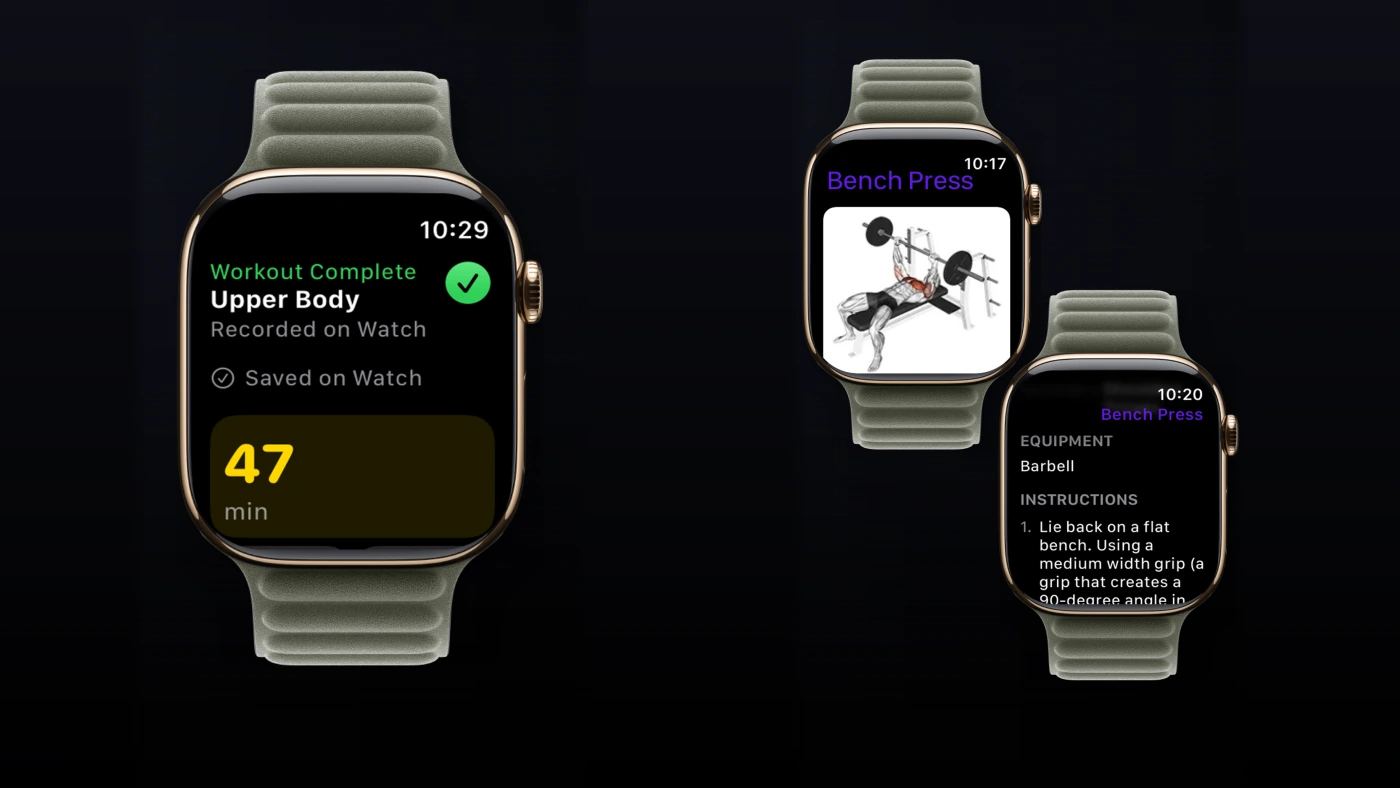
Steady 3.1 lets you record a workout on Apple Watch without your iPhone nearby, then bring it back to your history when you reconnect. It also adds offline exercise details, workout-history export, and Family Sharing for yearly Steady Pro subscriptions.
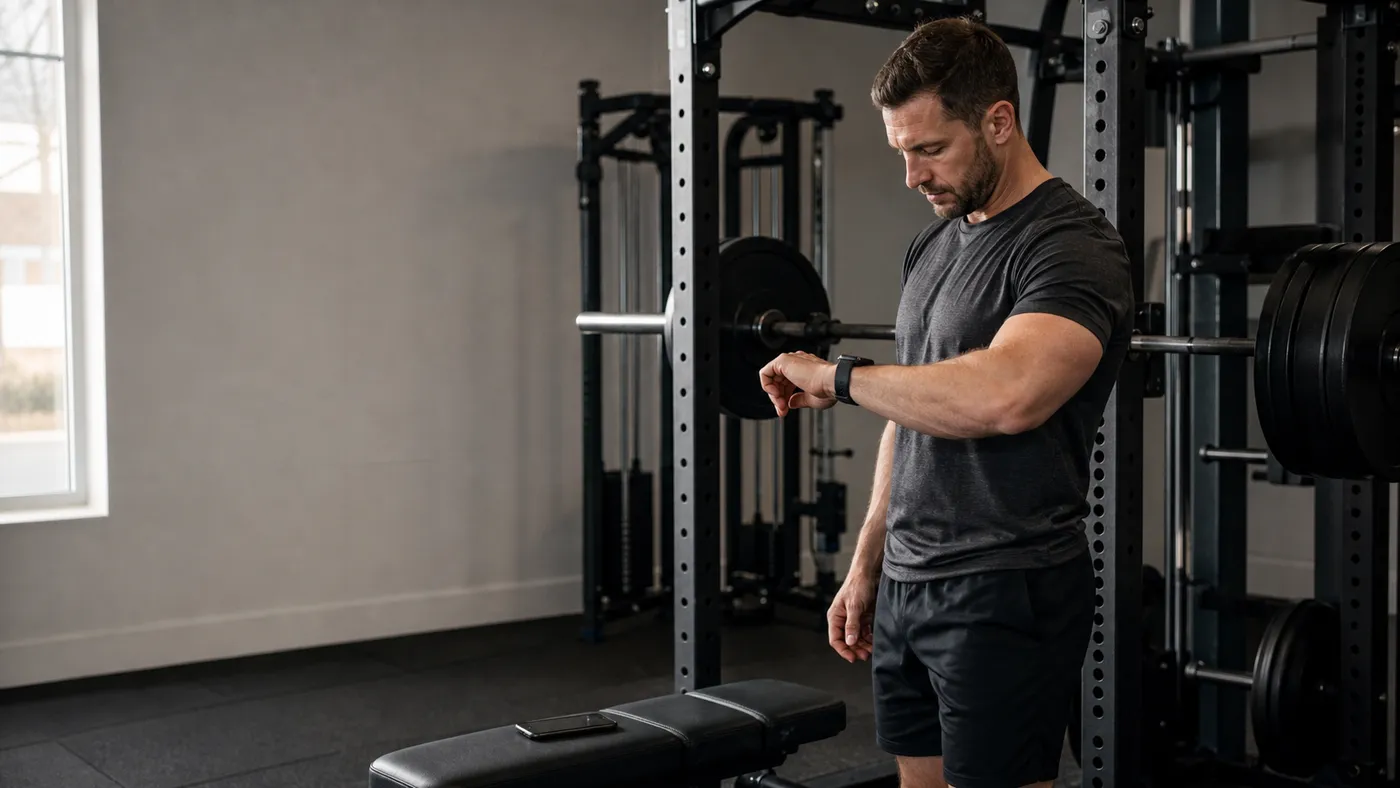
The idea behind this update is simple: your phone can stay in the locker while the workout stays with you.
Train from your wrist
Sync your selected program to Apple Watch before heading out. You can preview a saved routine, check the planned exercises, and start recording on the Watch when your iPhone is out of reach. If your phone is still connected, Start Without iPhone lets you deliberately choose an independent session.
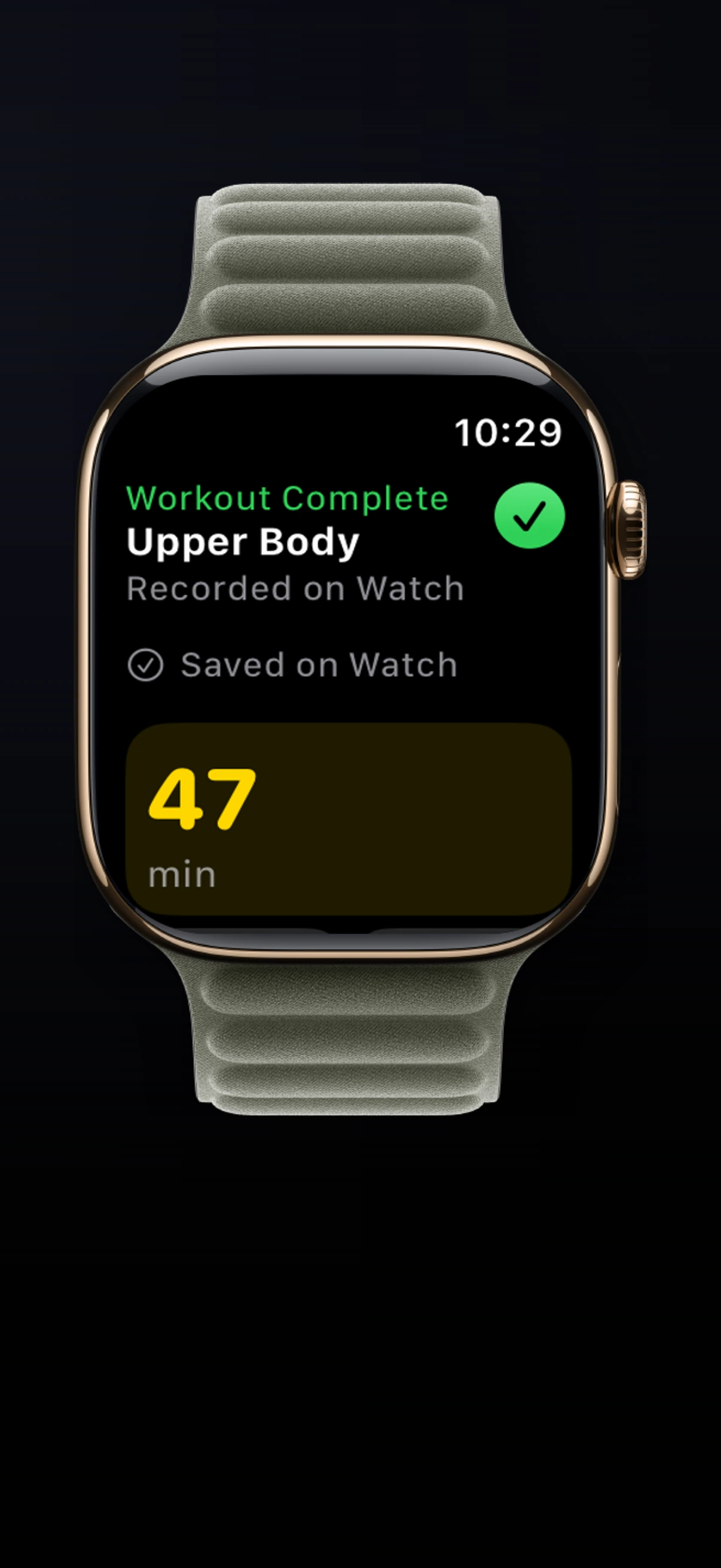
Log your sets, follow rest timers, and pause or resume the workout from your wrist. With Apple Health permissions enabled, the Watch records your session’s health data too. Finish the workout there, then let it sync to Steady on iPhone later.
If you prefer working out without an iPhone in your pocket, you can now leave it at home, in the car, or in your gym locker. Your routine, set logging, and rest timers stay with you on the Watch for the whole session. Bring the completed workout back to your iPhone when you’re together again.
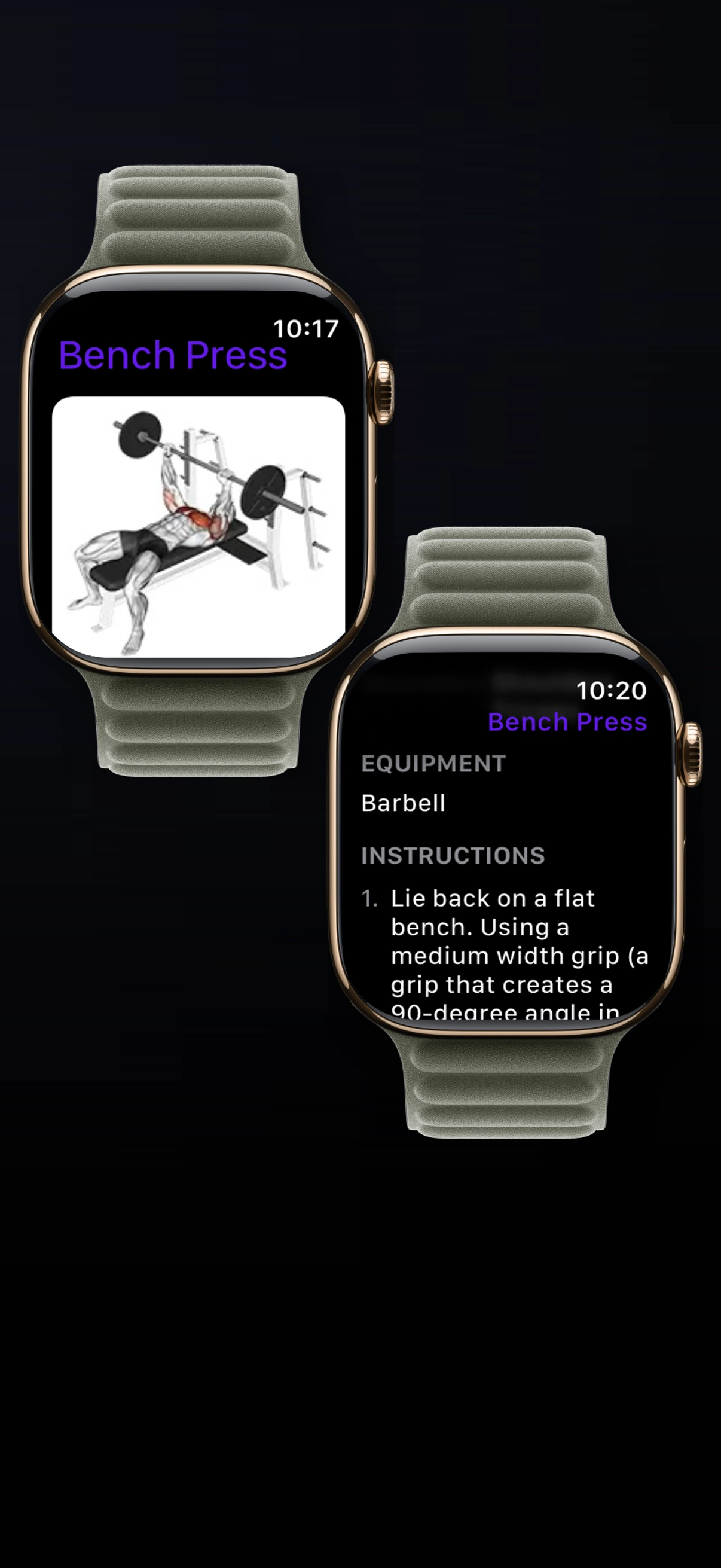
Exercise instructions, muscles, equipment, and images for your synced program or active workout are available offline as well. Say you’re returning to a routine after a few weeks away and can’t quite remember an accessory. You can check its image, equipment, and instructions on the Watch, then get back to the set. Sync those references beforehand, and they’ll be there when your phone isn’t.
For independent Watch sessions, personal-record notifications aren’t shown live, and replacing a planned exercise with a different one during the workout isn’t available on the Watch.
Pick up the review on iPhone
When you finish a workout on iPhone, you can review your next targets before the next session. If you use Steady Pro’s Smart Progression, you can also review the adjustments it makes based on your performance.
Steady 3.1 brings that same opportunity to workouts recorded entirely on Apple Watch, without your iPhone. Once the session syncs back, open History in the iPhone app, select the workout, and choose Review Changes if you’d like to look over your next targets or make an adjustment. History badges help you find workouts with a review available.
That review is optional. Your next targets are applied automatically according to your progression settings, whether or not you open the review. You can finish a Watch-only session and carry on with your day, knowing the next workout will be ready after syncing. You can open the review for a closer look at the numbers.
Take your workout history with you
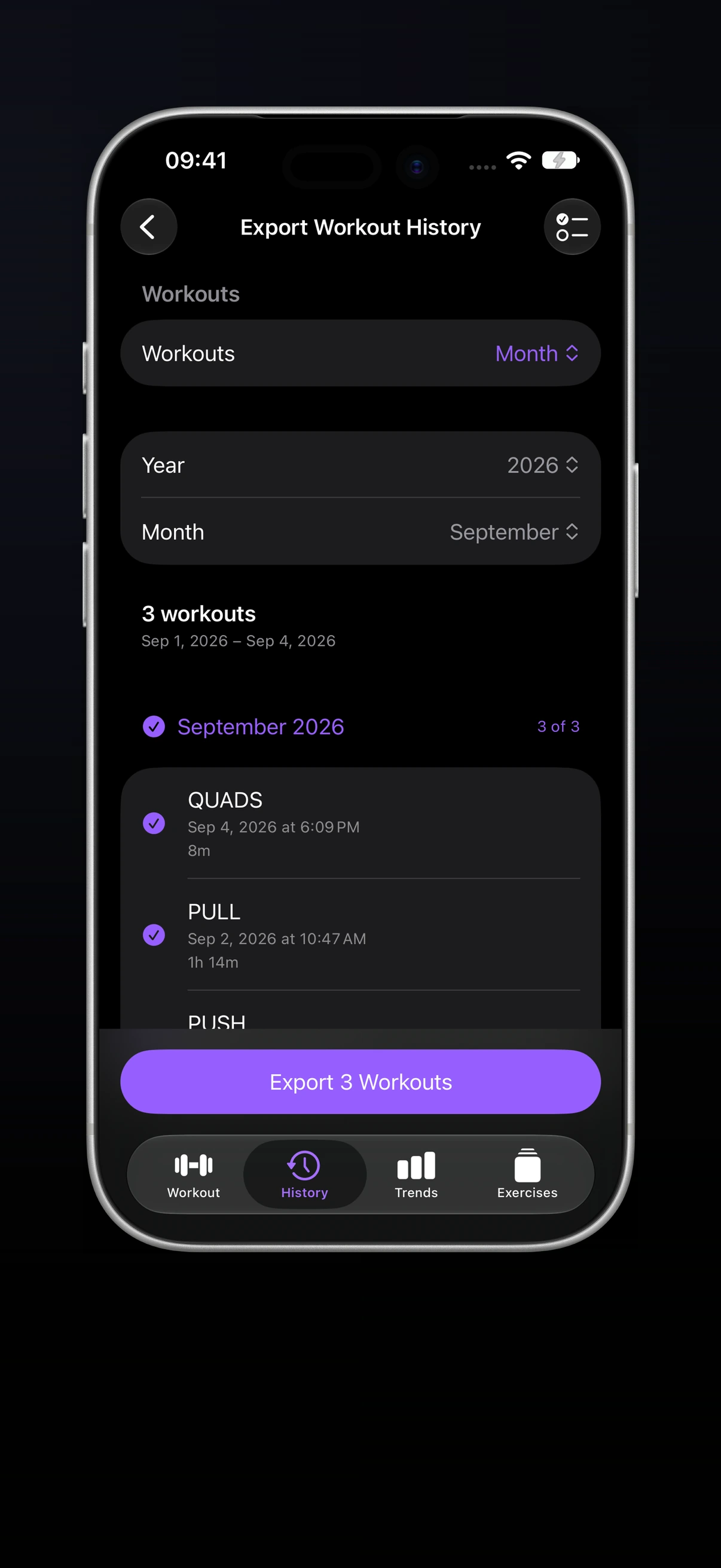
Want to review a training block with your coach, keep your records for safekeeping, or explore your progress with an AI chatbot? Open Export Workout History from Settings or History in the iPhone app, or export a single session from workout details.
Choose a month, a date range, or individual workouts. The export includes your recorded training data, saved exercise notes, active energy, and effort when available. Workout-history export is available without Pro.
You have two formats to work with:
- JSON: a machine-readable file for software and tools that work with structured data. Save it to Files for safekeeping, share it, or upload it to a chatbot that accepts files for analysis.
- Readable text: use Copy as Text for a shorter selection, ready to paste into a message to your coach, a personal training journal, or a chatbot.
For a check-in with your coach, select the weeks you’ve just completed so you can discuss what you actually did, including the notes you saved along the way. Or keep a separate copy of your records at the end of each training block.
You can also upload the JSON to a chatbot that accepts files, or paste the readable text, and ask questions about your workouts. Where have your weights or reps improved? Which lifts seem to have stalled? What changes could you consider for your next training block? Your actual training history gives that conversation something concrete to work from.
Share yearly Pro with your family
One yearly Steady Pro subscription can now cover you and up to five other family members through Apple’s Family Sharing. That’s up to six people with access to Pro from one yearly subscription, with no additional Steady Pro subscription needed for each included family member.
Family Sharing is available for all current yearly Steady Pro subscriptions, as well as anyone who subscribes to the yearly plan from now on. If you’re already a yearly subscriber, this benefit is included in the subscription you have.
That matters even if there are only two of you. If you and your partner both train, one yearly subscription can give you both the tools you want for your own sessions. You can keep different routines, train at different gyms, and work toward different goals.
Maybe you’re using multiple programs to switch between a full gym and your home setup. Your partner prefers supersets to fit training into a shorter lunch break. Another family member wants exercise notes to remember machine settings and useful cues. Each person can use those Pro features in the way that helps their own training, alongside Smart Progression and Pro’s other tools.
We like the idea of making it easier to bring someone in your family along when you find a tool that helps you stay consistent. They can build their own way of using Steady, with Pro already included in the shared yearly subscription.
To get started, set up your Apple Family Sharing group and check that sharing is enabled for your yearly Steady Pro subscription. Apple’s subscription-sharing guide walks through the settings on iPhone.
Smaller changes you’ll notice
Apple Watch health tracking has more reliable pause and resume controls and heart-rate recovery after interruptions.
Muscle Activation lets you select multiple statuses at once, with clearer indicators and accurate filtered counts. When reviewing your week, you can bring several groups into view together instead of switching between filters one at a time. Random routine colors also stay distinct within each program, making your routines easier to recognize.
We’ve also fixed bugs and refined layouts, visuals, and small interactions throughout the app to make everyday use smoother and the interface feel more polished.
Update to Steady 3.1, sync your program, and try your next workout from the Watch. If you have feedback after a session, send it to [email protected].
Ready to start applying progressive overload?
Ditch the spreadsheets and complex notes. Join thousands of lifters who use Steady to focus on the workout, track their progress, and automatically know when to add weight.
Download Free for iPhone