How to Save Exercise Videos in Workout Notes

The best way to save exercise videos in your workout log is to attach only the references you will actually use again: one good technique video, one setup reminder, or one coaching explanation tied to the exercise it belongs to. A useful link should make the next set clearer, not turn your notes into a video library.
Most lifters collect useful advice in the wrong places. A split squat tip sits in a browser tab. A bench press cue gets buried in a group chat. A deadlift setup video disappears into a saved-post folder you never open at the gym.
That information is not useless. It is just disconnected from the moment when you need it.
Exercise notes solve that by putting the reference next to the movement. The goal is not to watch videos between every set. The goal is to keep the one useful reminder close enough that you can review it before warm-ups, apply it, and get back to training.
What belongs in an exercise note link?
Save links that answer a repeatable training question.
Good examples:
- A short video showing the setup for a machine you use often.
- A form breakdown for a lift you are actively improving.
- A mobility drill you use before one specific movement.
- A coaching explanation that changed how an exercise feels.
- A reference for a variation you only use in one routine.
Weak examples:
- Random motivation videos.
- Ten different tutorials for the same exercise.
- Long podcasts you will not rewatch before training.
- Links that duplicate a cue you could write in five words.
If a link does not change how you perform the exercise, it probably does not belong in the note.
Pair the link with a short cue
A link is better when it has context.
Do not save only a URL and hope future-you remembers why it mattered. Write one short sentence above it:
- “Use this to check front-foot distance on Bulgarian split squats.”
- “Good reminder for keeping ribs down on incline press.”
- “Watch before warm-ups when low back takes over on RDLs.”
- “Use this setup when the cable row feels more biceps than lats.”
The cue tells you what to look for. The link gives you the visual reminder.
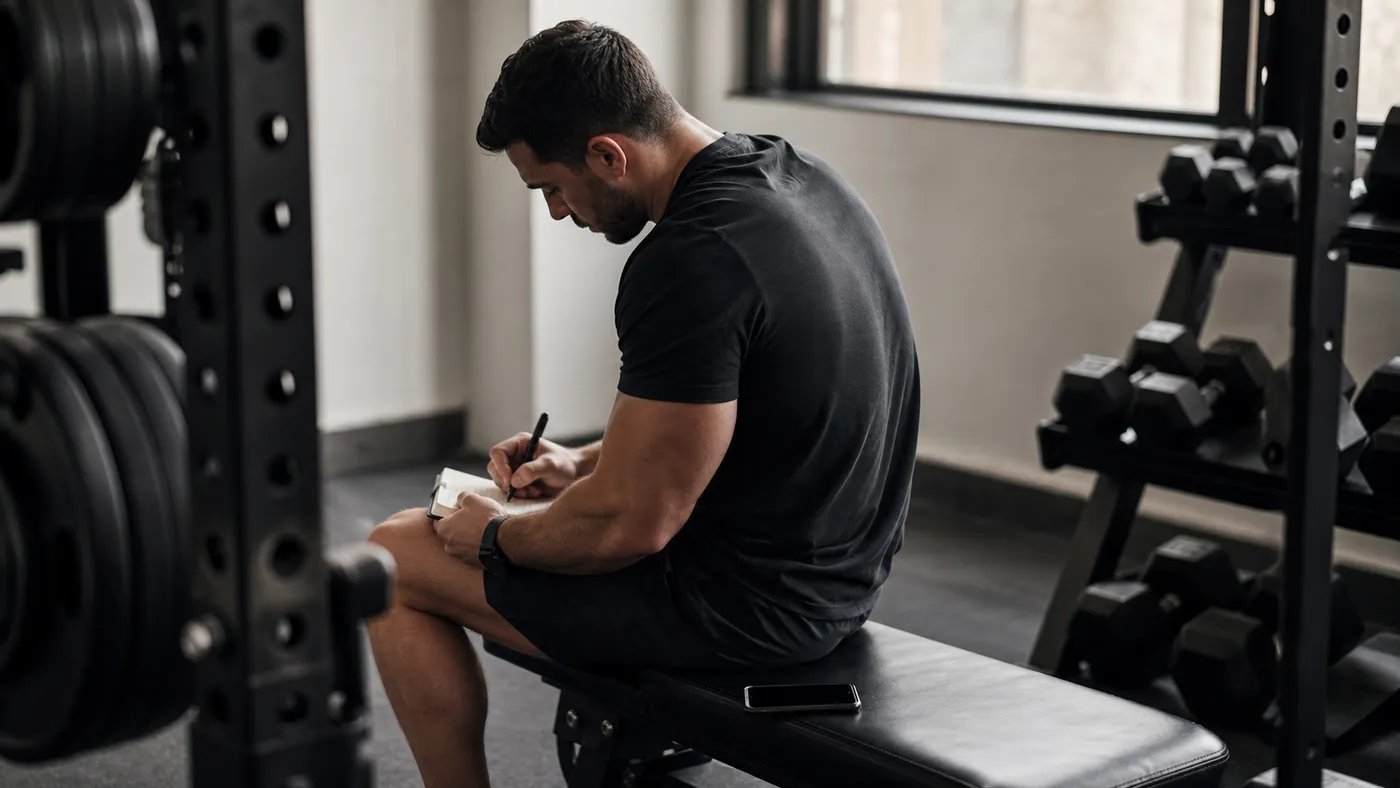 A saved reference works best when it is paired with a short cue you can act on before the next set.
Put the link at the right level
Not every reference should follow the exercise forever.
Use an exercise-level note for references that apply whenever you perform the movement. A setup video for your usual Bulgarian split squat stance belongs here because it is useful across routines.
Use a routine note when the link only applies to one version of the exercise. For example, your heavy bench press routine might need a leg-drive cue, while a paused bench variation might need a different video about staying tight on the chest.
Use a session note for something temporary. If your shoulder felt strange today and you saved a quick warm-up drill, that may not need to become a permanent exercise reference.
This separation keeps your notes useful. Permanent references stay attached to the exercise. Program-specific reminders stay inside the routine. One-day context stays with the session.
How this works in Steady
In Steady, exercise notes can include links. When a pasted link has available metadata, Steady shows a preview card with a thumbnail, title, and source, so the note is easier to scan than a raw URL.
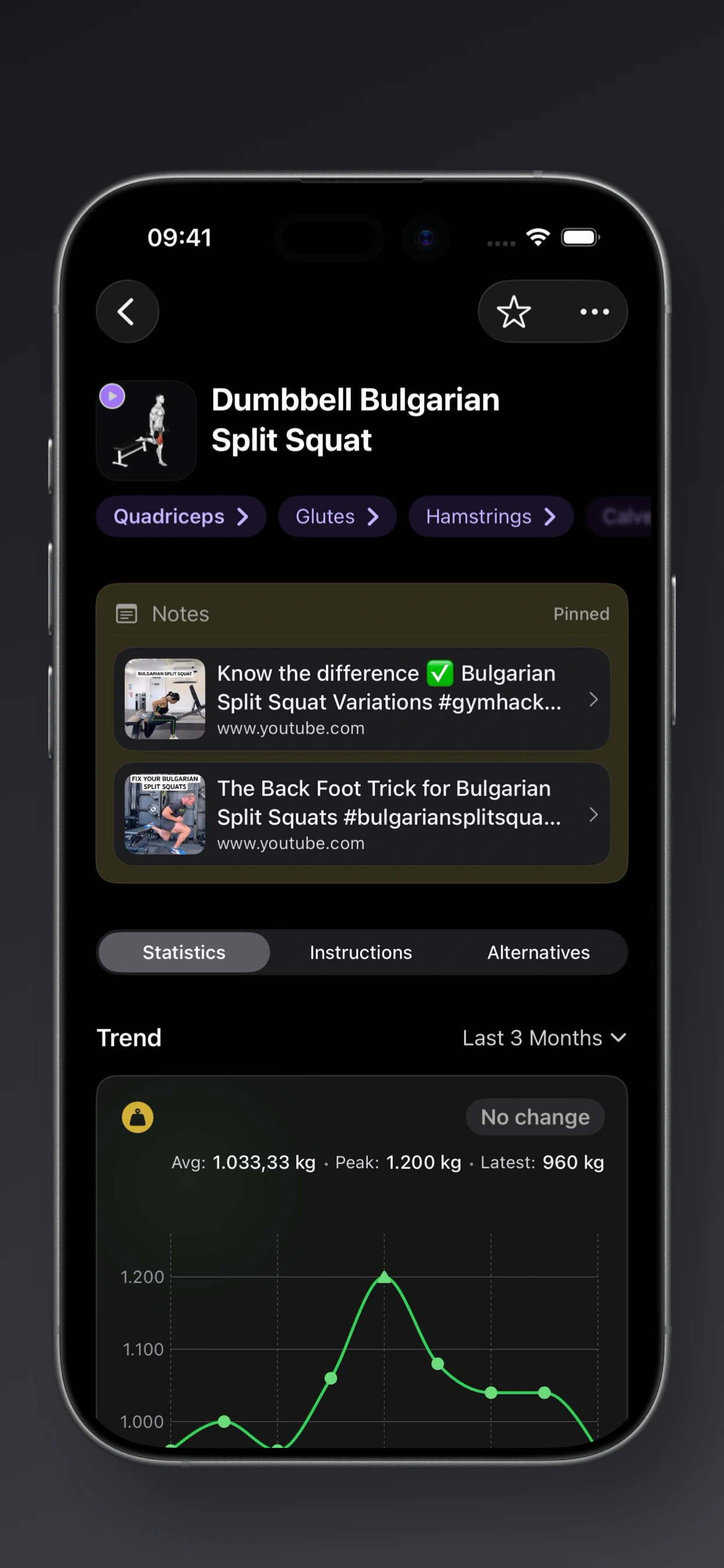 Exercise note link previews make saved technique references easier to recognize at a glance.
The app detects links in the note editor and shows them in a Links in this note section. In read-only note cards, Steady replaces the previewed URL with the card so the same link does not clutter the note twice. The note structure still matters: Pinned, Routine, and Session notes let you decide whether the reference is permanent, program-specific, or only about today’s workout.
There are a few practical limits worth knowing. Link previews depend on the source page providing usable metadata, so some links may show a simpler fallback. Steady also keeps previews bounded instead of turning one note into a scrolling playlist. In practice, that is a good constraint: if you need more than a few links for one exercise, the note is probably doing too much.
Rich link previews are part of Steady Pro. The useful habit is the same either way: keep the reference short, specific, and tied to a future action.
Use links before warm-ups, not during hard sets
The best time to review a technique link is before the first working set.
Use warm-ups to test the cue:
- Open the exercise note.
- Scan the cue beside the link.
- Watch only the specific part you need.
- Apply it on the next warm-up set.
- Update the note if the cue changes.
Avoid watching long videos during rest periods between hard sets. That usually turns a focused session into scrolling. If a video needs more attention than you can give in the gym, review it at home and write the one cue you want to bring into the next workout.
Keep your references current
Exercise notes should evolve as your technique improves.
A video that helped you learn split squat balance might stop being useful once the setup feels automatic. A deadlift cue that fixed your start position might become stale after your next training block. Review saved links occasionally and delete the ones that no longer change your lifting.
A clean note might look like this:
Dumbbell Bulgarian Split Squat
- “Front foot farther forward than instinct. Torso slight lean.”
- Link to one setup video.
That is enough. You do not need three playlists, six cues, and a paragraph of explanation. You need the reminder that makes the next set better.
Common mistakes
Saving every good video
Good information is not always useful information. If you save every tutorial, none of them stays important.
Saving links without a cue
A URL without context becomes another thing to decode later. Add the reason you saved it.
Mixing permanent and temporary references
A permanent setup video and a one-day soreness note should not live in the same mental bucket. Keep long-term technique references separate from today-only context.
Rewatching instead of lifting
The point of a saved reference is to support training, not interrupt it. Review the key idea, apply it, and move on.
A simple rule
Save the link only if it helps you answer one question before a future set: what should I do differently when I perform this exercise?
If the answer is clear, keep it close. If not, skip it.
Steady is built for that kind of focused logging: the set data stays clean, the useful context stays nearby, and the notes support the workout instead of taking it over.
Ready to start applying progressive overload?
Ditch the spreadsheets and complex notes. Join thousands of lifters who use Steady to focus on the workout, track their progress, and automatically know when to add weight.
Download Free for iPhone