How to Find a Gym Exercise When You Don't Know Its Name
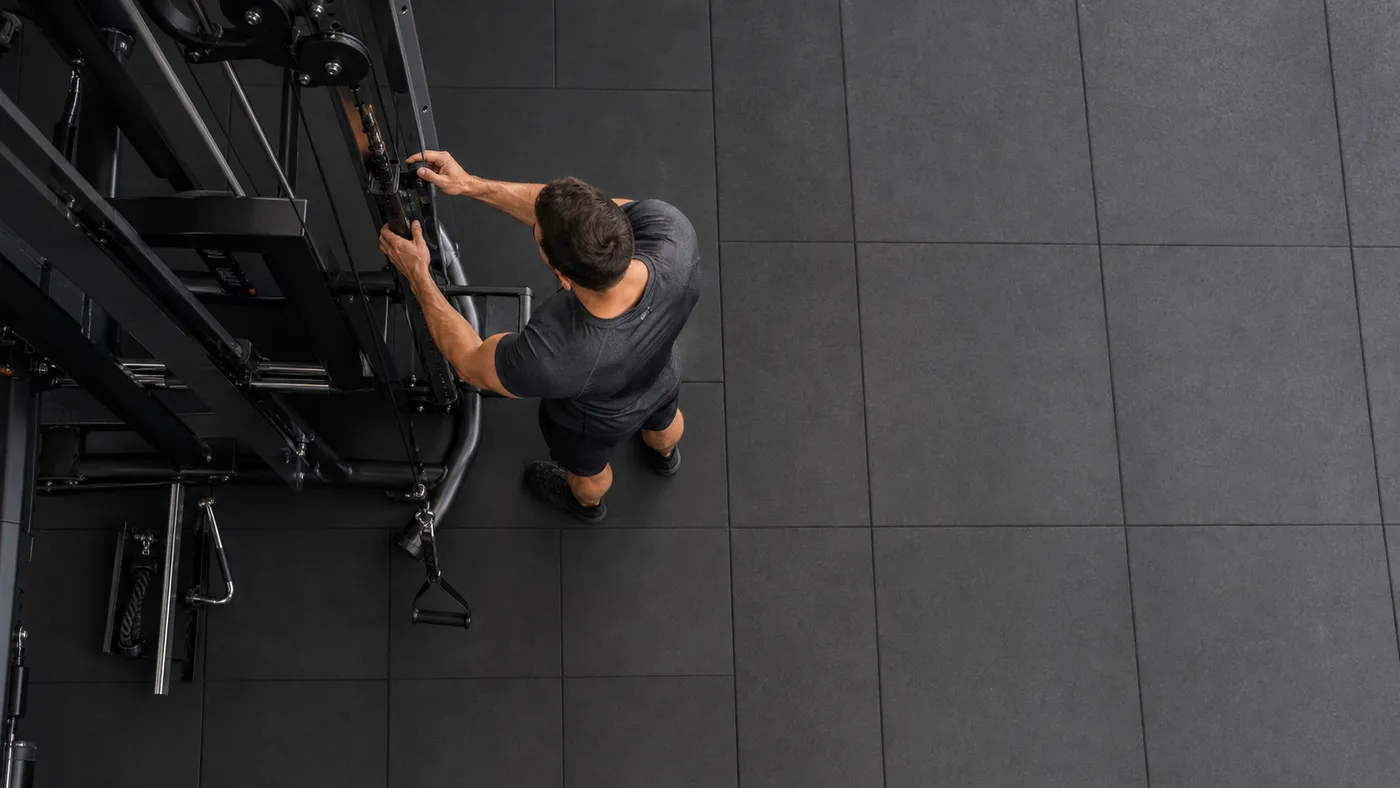
If you remember an exercise by its setup or movement but not its name, start with the visual clues: the equipment, body position, direction of the movement, and the muscle you felt working. Then confirm the choice before you load it. A picture can get you to the right short list; it should not replace checking the setup and technique.
This happens constantly in real training. You saw a useful row, a cable movement, or a leg machine in a previous workout, but its name has disappeared by the time you want to add it again. Searching a huge library with a vague phrase can be frustrating, especially when several exercises look or sound alike.
Here is a calmer way to find the movement without guessing your way into the wrong one.
Start with what you can actually remember
You do not need the exact name to create a useful description. Break the memory into a few concrete clues:
- Equipment: cable column, dumbbells, barbell, plate-loaded machine, bench, or bodyweight.
- Position: standing, seated, lying, kneeling, bent over, or supported against a pad.
- Direction: pressing away, pulling toward you, raising outward, extending, curling, or hinging.
- Target area: chest, back, quads, hamstrings, shoulders, arms, calves, or core.
- One distinctive detail: a rope attachment, single arm, chest support, high pulley, or foot position.
For example, “standing at a cable column, pulling a rope toward my face” is already enough to separate a face pull from a cable row. “Chest supported, pulling handles down and back” narrows the field far more than searching for every back exercise.
The point is not to write a perfect exercise definition. It is to turn a fuzzy memory into two or three filters you can trust.
Use the image to narrow the list, then check the details
Exercise images are especially helpful when the thing you remember is a position: the angle of the bench, where the cable comes from, or whether the movement is unilateral. They let you scan for recognition much faster than a long list of names.
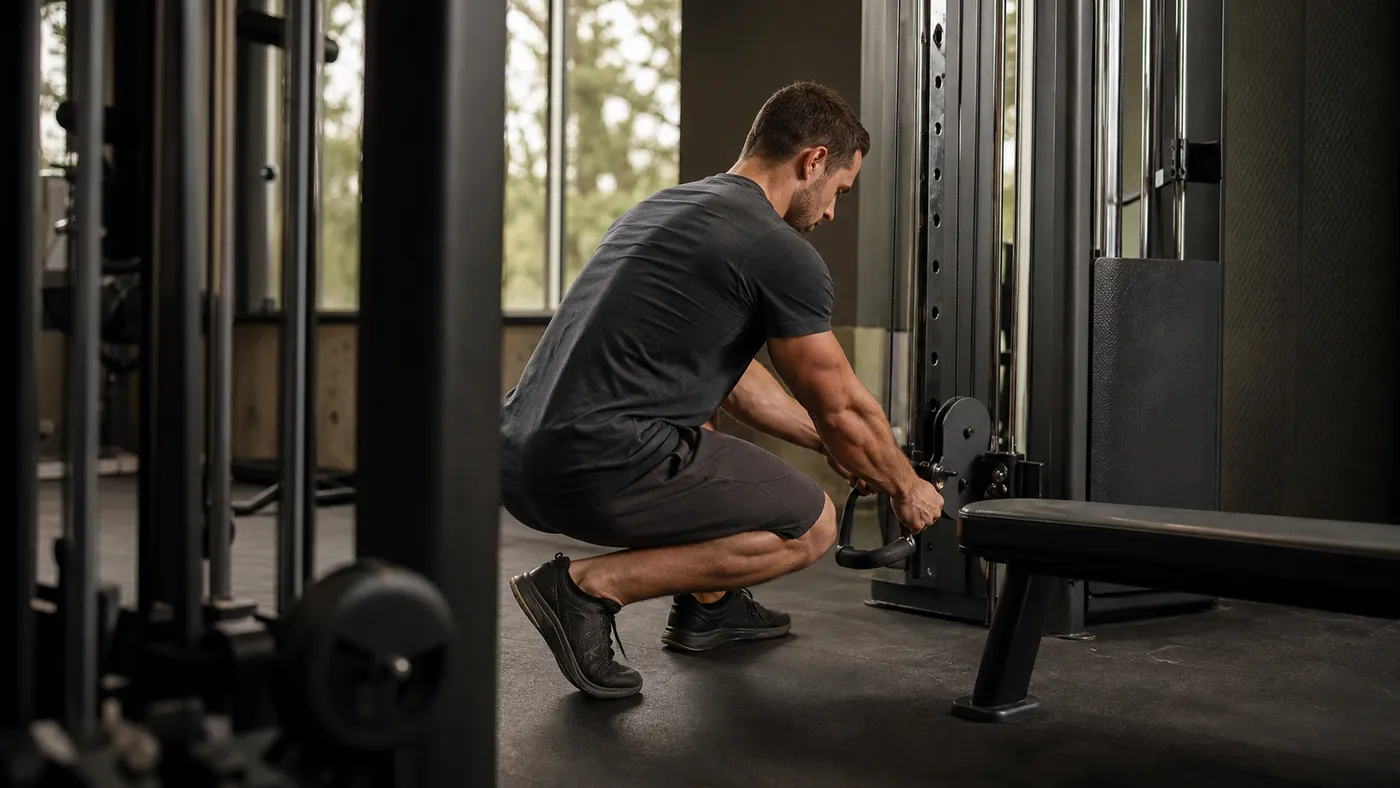 The cable height, attachment, and stance are useful visual clues before you choose a movement.
But similar-looking exercises can have different jobs. A high cable row and a face pull may both use a rope near face height, yet their path, elbow position, and intended muscles are not the same. A machine can also look familiar while using a different resistance path or setup.
Before adding a candidate, check three things:
- Does the equipment and starting position match what you remember?
- Does the movement direction match the muscle or pattern you intended to train?
- Can you set it up comfortably and perform it with controlled range of motion?
If the answer is unclear, use a light test set. A quick controlled set tells you more than forcing the weight you used on a different exercise.
Keep the search narrow enough to be useful
Start broad only once, then reduce the list. A practical order is:
- Choose the equipment category you have available.
- Filter by the muscle or movement role you need.
- Use the image and exercise name together to identify the likely movement.
- Read the exercise details or try a light set before making it part of the session.
This protects you from a common mistake: choosing a movement because it looks close enough while it changes the training job completely. A cable pulldown, for instance, is not automatically a substitute for a cable row just because both happen at the same station.
If your usual station is busy, it also helps to have one or two planned options that fill the same role. Our guide to exercise variations explains how to make those swaps without making your training random.
How Gallery View helps in Steady
Steady’s Gallery View is built for this visual kind of search. In Exercises, tap the grid button in the filter row to switch from the standard list to a two-column gallery. Each card shows the exercise image alongside its name, primary muscles, and equipment type.
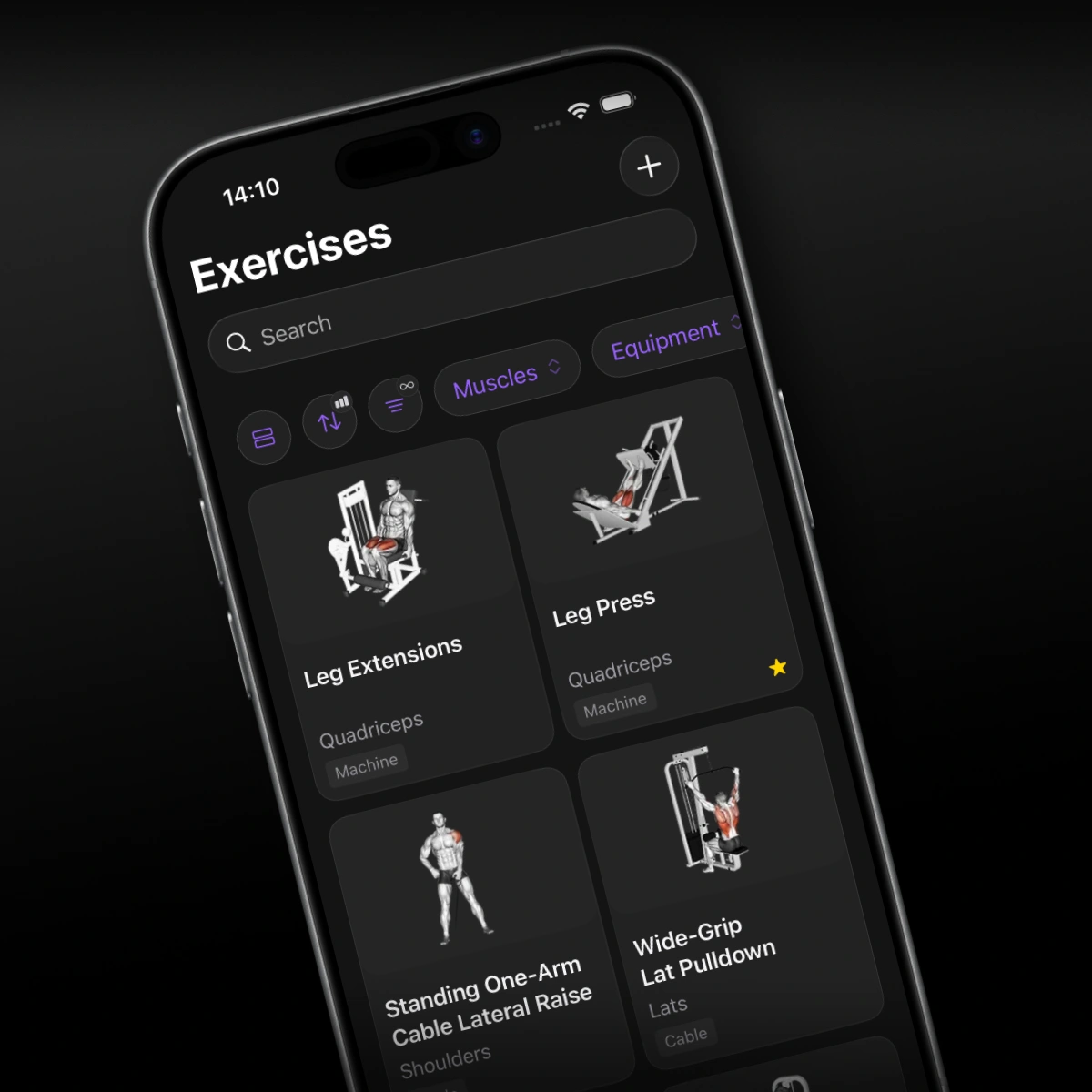 Gallery View gives visual memory a useful starting point while keeping the exercise details close by.
Use it when you remember the movement more clearly than its wording, or when you are comparing a few similar cable, machine, or dumbbell options. You can still apply the usual filters and open a card for more context; the gallery changes the way you browse, not the quality check you make before training.
That distinction matters. Gallery View can help you recognize “the row with the chest pad” quickly. It cannot tell you whether that is the best row for your shoulder, current program, or available setup today. Use the image to find the candidate, then make the training decision with intent.
Do not let recognition turn into random exercise hopping
Finding an exercise is only the first step. Once you find a movement that fits, keep it in rotation long enough to learn from it. Repeating the same exercise with a comparable setup makes changes in reps, load, control, and effort easier to read.
Change it when you have a reason: the equipment is unavailable, the movement no longer feels good, the program calls for a different angle, or another version better serves the target muscle. Do not change it just because the gallery made ten interesting options visible.
If you have performed an exercise before and want to find that exact history again, Steady’s Performed filter is the better tool. It answers “what have I actually logged?” while Gallery View answers “which of these movements looks like the one I mean?” Used together, they make a large library feel practical instead of overwhelming.
Make the next choice easier
You do not need to memorize every exercise name to train well. Notice the equipment, position, path, and purpose; use visual browsing to narrow the list; then verify the movement before you load it.
Steady keeps that process focused: browse visually when recognition is the problem, use filters when you know the constraints, and log the exact movement you performed. The next time you see that cable setup or machine, you will have a clearer name—and a more useful training history—to work from.
Ready to start applying progressive overload?
Ditch the spreadsheets and complex notes. Join thousands of lifters who use Steady to focus on the workout, track their progress, and automatically know when to add weight.
Download Free for iPhone