How to Tell Similar Workout Routines Apart
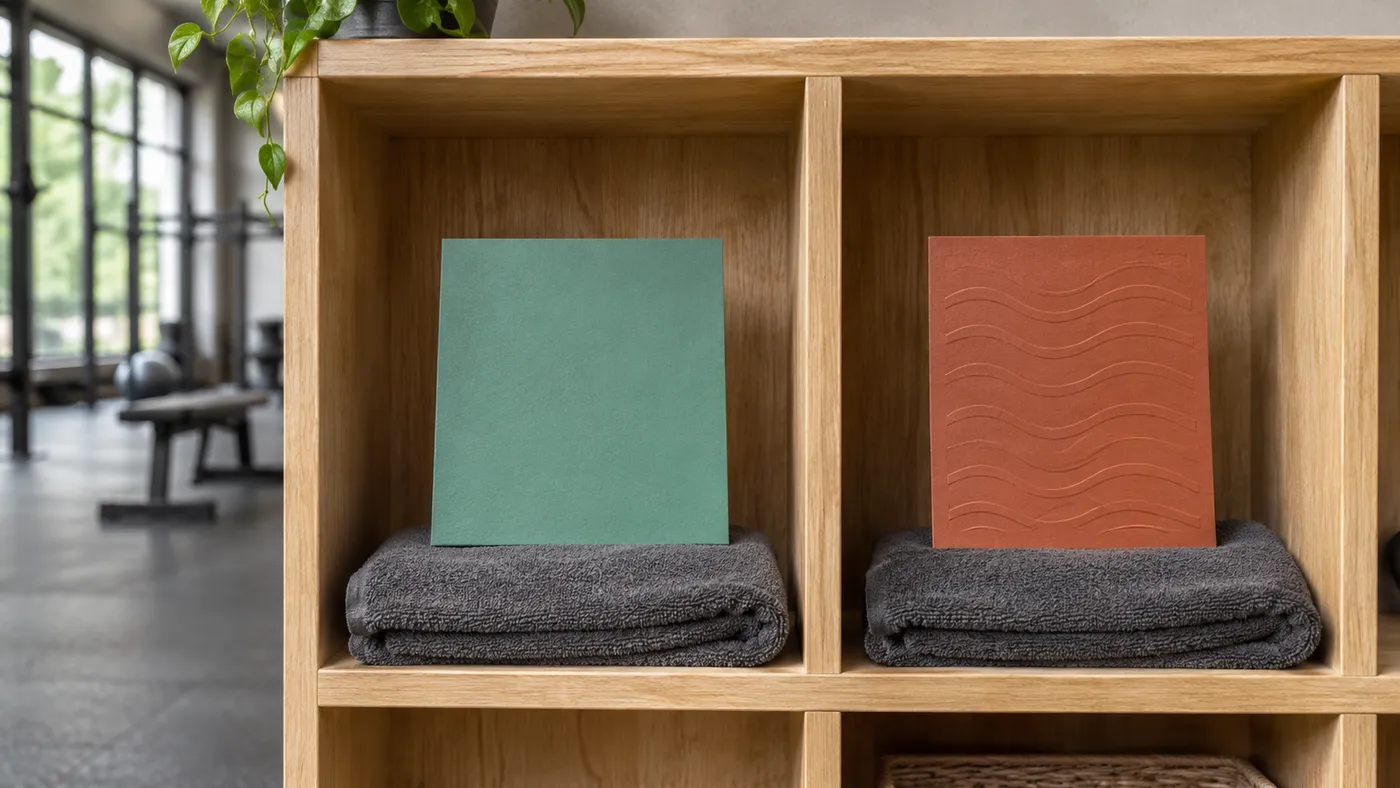
You open your training app at the gym and find two routines named “Upper.” One is the session you meant to run today. The other is the version you use when you only have 35 minutes. The first few exercises look the same, so you have to open each routine to tell which is which.
Give each routine a name that says when you use it, then give the pair different card colors in Steady. The color helps you find the right card quickly. The name confirms your choice before you start logging sets. If you like keeping related routines the same color, you can use a texture to distinguish one of the cards with Steady Pro.
Name each routine for the decision you make at the gym

Start with the two cards you actually mix up. Think about what you check after opening them. If it’s the time you have, try Upper – Full and Upper – 35 min. If it’s the equipment available, Full Body – Gym and Full Body – Hotel tell you which version to open before you scan the exercise list.
For two regular sessions that share exercises, the useful difference might be the emphasis. Upper – Press and Upper – Pull give you a clue even if both days include some pressing and pulling. If your coach calls those days A and B, keep those labels and add the clue alongside them. That way you can still match the card to the plan your coach sends you.
Use names you’ll recognize when your week moves around. “Monday Upper” can get confusing when that session moves to Tuesday. “Upper – Press” still tells you what’s on the card.
Put routines in the order you plan to train
Arrange your routines in the order you want to do them. On the Workout tab, the default Last Performed sort puts routines you’ve never done first, then the ones you did longest ago. Steady uses the program order to break ties. A label like Day 2 / 4 in the top left still tells you where the routine sits in the program, even when that card appears first. To change the sequence, tap the program name, choose Edit Program, then open the … menu and select Reorder Routines. Drag the routines into place, tap Done, then tap the checkmark to save. To see the cards in program order every time, open the … menu on the Workout tab and choose Number under Sort by.
Change a routine card’s color or texture in Steady
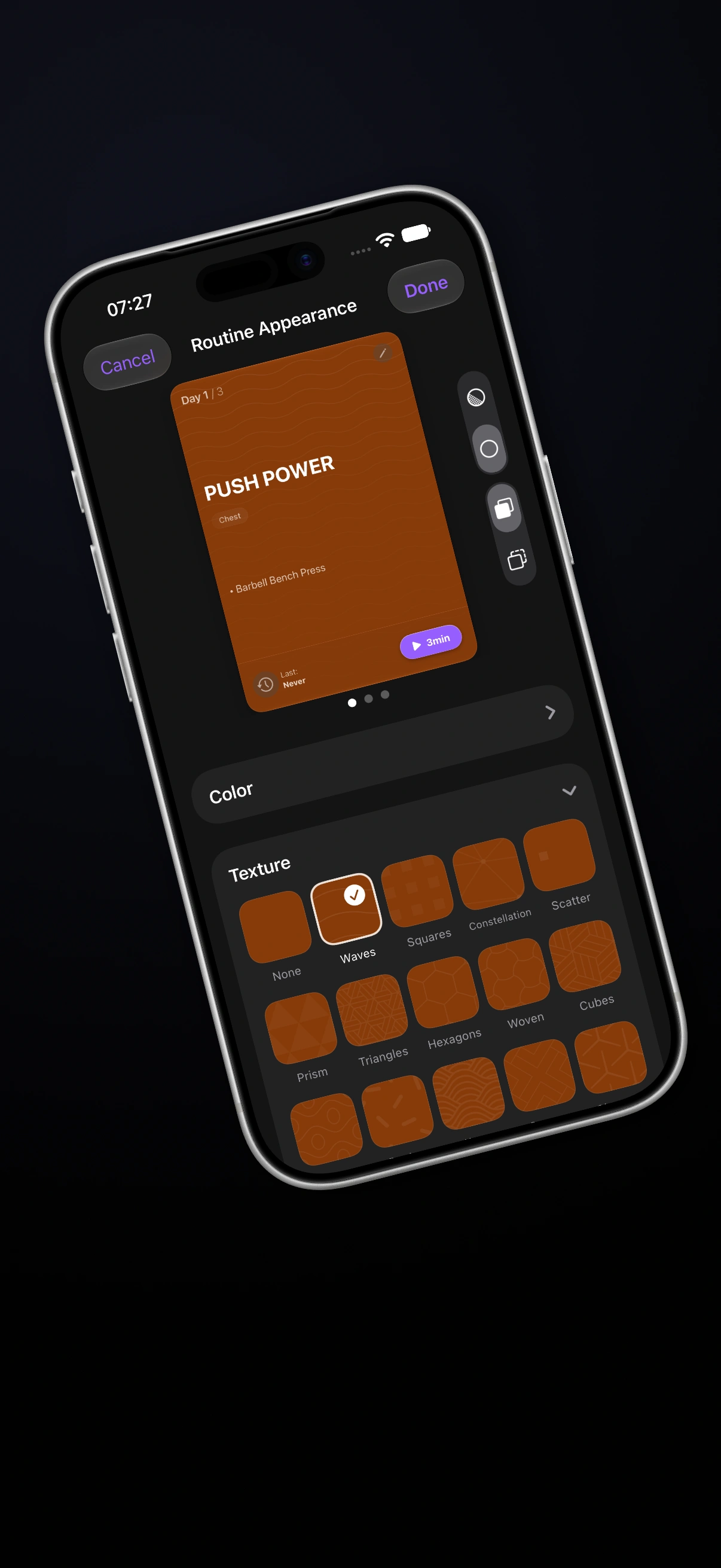 The preview lets you see how a texture looks on the card before you save it.
- Before starting your workout, touch and hold the routine card and choose Edit Routine.
- Tap the palette icon in the routine editor to open Routine Appearance.
- Open Color and choose a swatch. If the program has multiple routines, swipe the preview cards to compare them or change another card.
- To add a pattern, open Texture and pick one from the grid. Saving a new texture requires Steady Pro.
- Tap Done, then confirm the changes in the program editor.
If you prefer a neutral card background, you can still use distinct names and color accents. The colored versus neutral control beside the preview applies across routine cards. Use the Color section when you want to change the color assigned to a particular routine.
Pick a visual cue you’ll remember next week
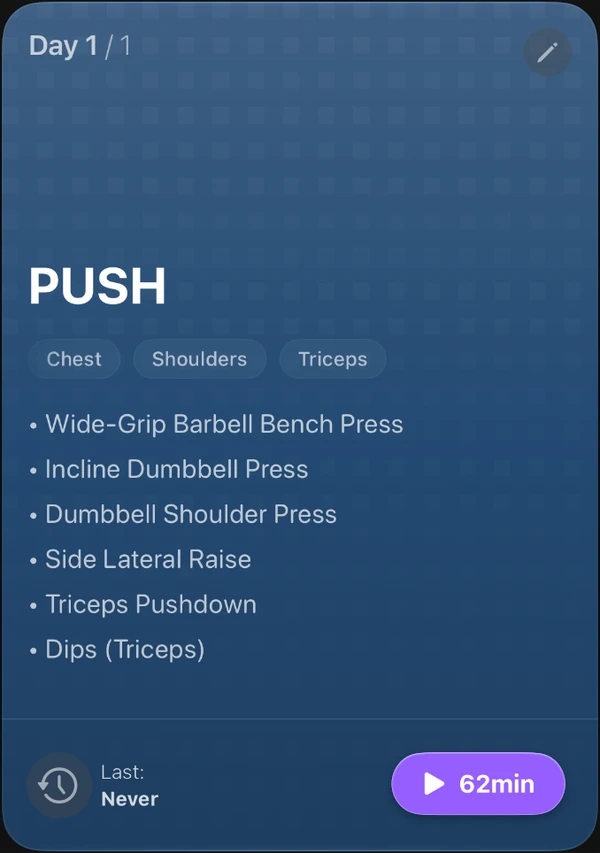
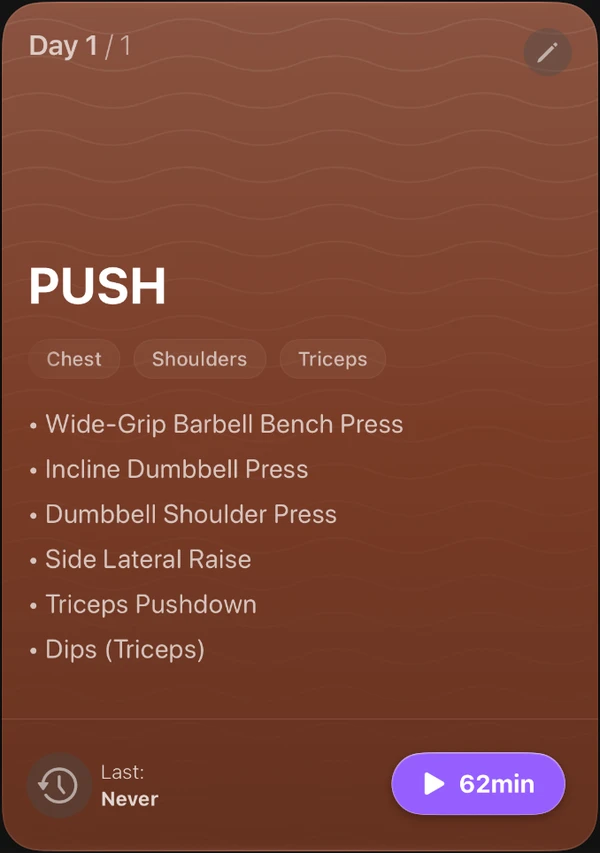
Two contrasting colors work well when you want to distinguish a pair quickly. For example, you could give your full workout a blue card and the short version an orange one. If you prefer to use color for categories, keep all upper-body cards blue and give the short version a wave texture. Keep the time in the name so you can confirm it at a glance either way.
Here’s the same routine with five color and texture combinations from Steady. All five colors are in the Balanced palette.
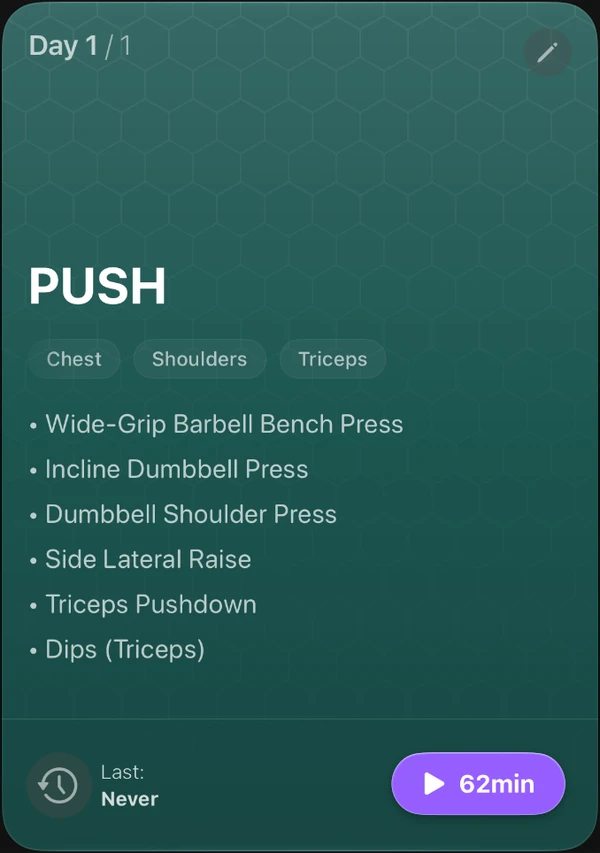
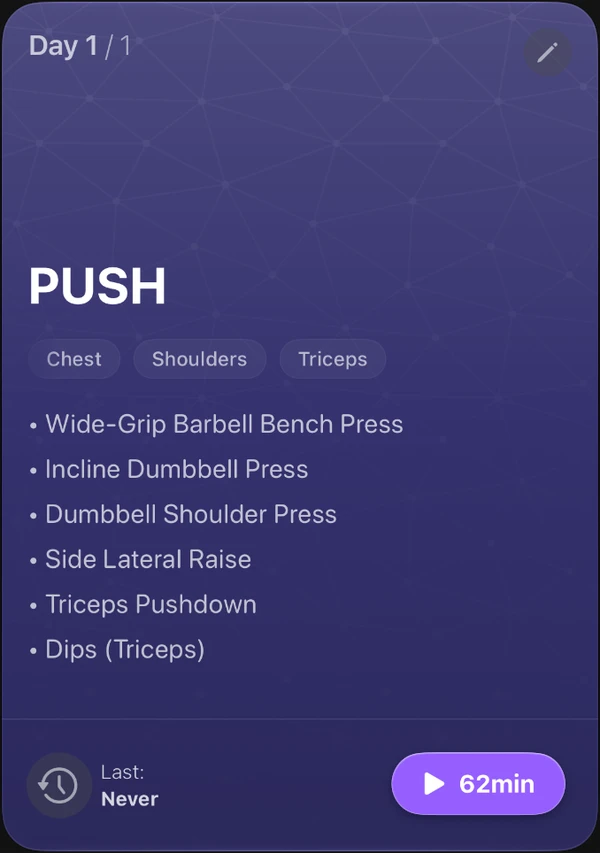
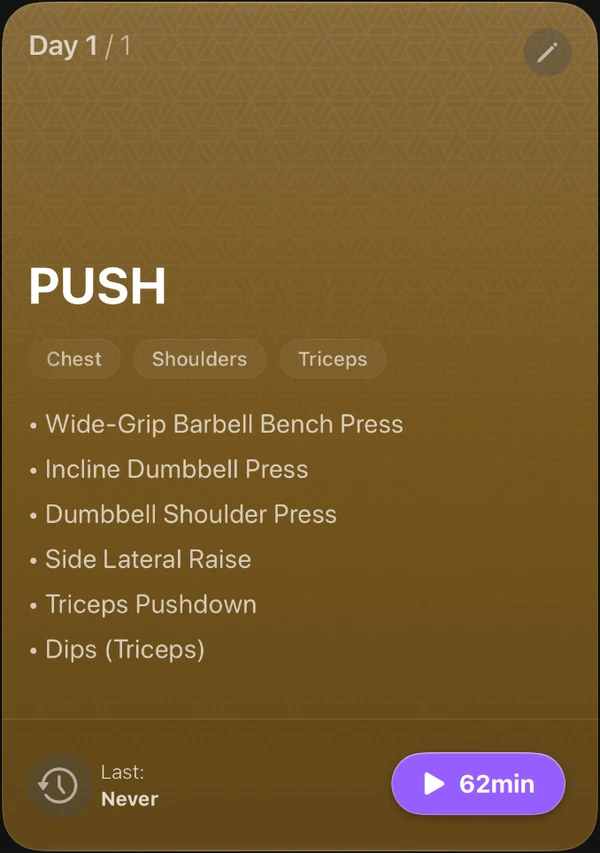
Try it with the routines you use this week. When you open Steady for your next session, check whether you can find the card and confirm its name without opening a second routine. If you also want your most-used sections easier to reach, you can customize the tabs in Steady.
Ready to start applying progressive overload?
Ditch the spreadsheets and complex notes. Join thousands of lifters who use Steady to focus on the workout, track their progress, and automatically know when to add weight.
Download Free for iPhone