Best Workout App for Beginners Who Want a Clean Interface
The best workout app for beginners is one that makes logging fast, keeps the interface clean, and stays out of the way while you train. When you are just starting out, you do not need advanced analytics or a crowded feature set. You need something that helps you record what you did, see what you did last time, and show up again tomorrow. Simplicity is not a beginner compromise — it is what makes the habit of tracking actually stick.
When people start going to the gym, they often hit two opposite problems: either they skip logging altogether because it feels like too much friction, or they download a complicated app and spend more time navigating menus than actually training. The right beginner workout app solves both problems by removing friction without removing usefulness.
What “clean interface” actually means in a workout app
A clean interface is not just a visual style. It means the app is designed so that common tasks — logging a set, reviewing the last workout, starting the timer — take as few taps as possible.
In practice, a clean beginner workout app should let you:
- Open the app and find your routine immediately
- Log a set with minimal taps
- See the weight and reps from your last session without digging
- Navigate the rest timer without leaving the workout view
- Save the session and close the app without confirmation loops
If any of those feel complicated, the interface is not clean — it is just minimal in appearance. The distinction matters a lot when you are tired and between sets.
Why beginners need simplicity more than features
When you are new to tracking workouts, the habit itself is the first goal. Not optimizing rest periods. Not analyzing volume per muscle group. Not comparing training blocks.
The first goal is: log the workout, remember what you did, come back and do it again.
Every extra step in that process adds friction. Friction is what makes people stop.
This is also why beginners often do better with a distraction-free workout tracker than with a platform full of social feeds, challenges, and notifications. A beginner does not need more stimulation. They need a clean path to the next logged session.
What to look for in a beginner workout app
1. Fast set logging
The most important thing a beginner workout app can do is make recording a set feel natural and quick.
After finishing a set, you have a short window before the rest period ends and the next one begins. If logging takes more than a few seconds, you will start skipping it. Look for an app where you can tap in the reps and weight and move on without any extra steps.
2. Clear view of your last session
Progression in strength training depends on comparison.
If you cannot quickly see what you lifted last time — for the same exercise, in the same routine — you will end up guessing. Guessing is how training stops improving.
A good beginner app should surface that information without any extra navigation. You should be able to glance at the screen and know what you are aiming to beat.
3. Built-in rest timer
This is something beginners overlook, and then wish they had.
Rest time affects performance more than most people realize. If you are resting 90 seconds one session and 4 minutes the next, your numbers will look inconsistent even if your fitness is improving. A built-in rest timer that starts automatically or with one tap removes the need to track time separately and keeps the session structured.
For more on this, how to track rest times between sets explains why it matters and what a good setup looks like.
4. Simple routine structure
Beginners usually run the same few exercises session after session.
An app that makes it easy to create a simple routine — a handful of exercises with sets and rep targets — and then repeat it with minimal setup is worth more than an app with complex programming tools you will not use for months.
A flexible rep range (like 8–10 reps) that carries over to the next session is especially useful. It helps you aim for a target without locking you into a rigid number.
5. No account required to get started
Some apps put signup and permissions walls in front of the first workout.
For beginners building a habit, that friction is real. An app that lets you start logging on day one — with optional sync later — removes one more reason to delay.
What to avoid
Overly complex dashboards
You do not need charts showing monthly training load variance when you have been logging workouts for three weeks. If the home screen shows a dozen metrics before you even record a set, the app is probably not built for beginners.
Social feeds and comparison features
A feed full of other people’s workouts can feel motivating at first and exhausting shortly after. For beginners especially, seeing polished posts from experienced lifters can create unrealistic expectations and quiet discouragement.
A focused app that keeps your attention on your own routine is almost always better for long-term consistency. The same principle is covered in why a distraction-free workout app can improve consistency.
Paywalled basics
If logging more than three exercises requires a subscription, the app is not testing your commitment — it is cutting off the basic value before you have had a chance to see it. Look for an app where the core logging workflow is available without payment pressure.
Common mistakes beginners make when picking a workout app
Choosing based on screenshots. An app that looks clean in the App Store may have a complicated real-world workflow. The best test is to open it during a workout and see how fast you can log a set.
Picking the most popular app. Popularity often reflects marketing reach, not beginner-friendliness. The most downloaded fitness apps are often optimized for engagement and social features, not clean daily logging.
Switching apps too often. Every app switch resets your history. One of the most underrated benefits of a workout tracker is the accumulated log — six months of sessions showing exactly how you have improved. Switching apps too early discards that.
How to start tracking workouts as a beginner
If you are completely new to logging, how to start tracking workouts covers the first steps: what to log, how to keep it simple, and what mistakes to avoid early on.
The short version: start by logging exercise name, sets, reps, and weight. That is enough. You do not need RPE scores, video notes, or tempo prescriptions in week one. Log the basics, repeat the routine, and let the history build.
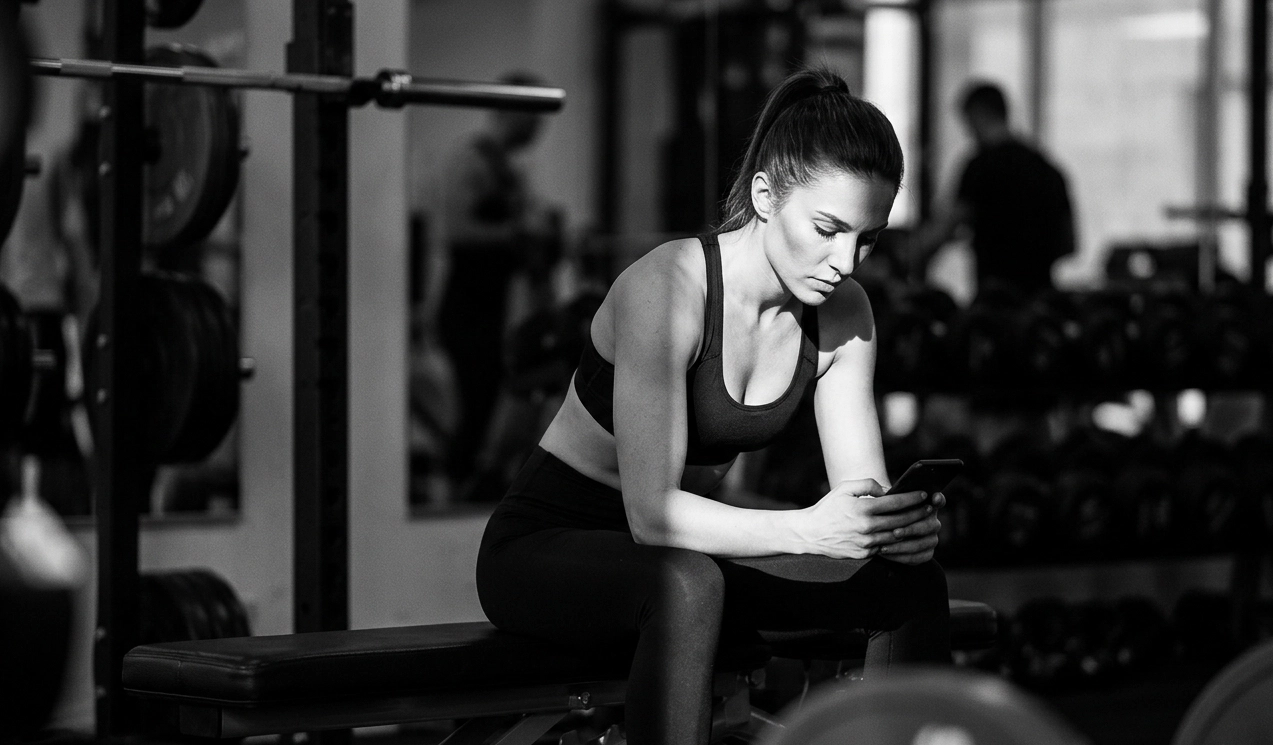 Logging is simple — open the app, tap the exercise, type the numbers, move on.
Conclusion
The best workout app for beginners is not the one with the most features. It is the one that makes logging effortless enough to become automatic — a two-minute habit after every session that compounds into months of useful training data.
A clean interface is part of what enables that. When the app stays out of the way, training stays in focus.
Steady is built around that idea: fast logging, clear history, built-in rest timers, and an interface designed to reduce friction rather than add features. If you are looking for a beginner-friendly workout tracker that you can grow with over time, it is worth trying.
Ready to start applying progressive overload?
Ditch the spreadsheets and complex notes. Join thousands of lifters who use Steady to focus on the workout, track their progress, and automatically know when to add weight.
Download Free for iPhone